A work planner helps when it makes a decision easier: what needs attention this week, which dates depend on a review, or where a focused session fits today. Start with that decision, then choose the paper.
Three views with distinct jobs
- Three-month project view gives three landscape Letter month grids, a goal area and mirrored binding. Use it for milestones that cross a month boundary.
- Workweek at a glance puts seven days side by side on landscape Letter paper, with goals and tasks below. Use it to compare commitments and select the week's work.
- Workday time blocks gives a portrait Letter hourly timeline and a task area. Use it to place today's work around fixed meetings.
These presets use general labels. They do not add a project name, role-specific checklist or meeting feed. You write the content, and you can change paper size, orientation and optional sections before exporting.
Example: prepare a proposal for review
The month view records the confirmed review date and delivery date. The week view holds “draft recommendation,” “request missing figure” and “check assumptions.” Today's timeline reserves a drafting window before the afternoon meeting, with a separate place for the request.
If the figure is not ready, the review may need a placeholder or a revised scope. A paper planner can expose that dependency, but it cannot obtain approval or notify the reviewer. Keep confirmed appointments in the calendar or system your team actually uses.
Set up the next useful page
- Choose the smallest view that answers the immediate question. Do not print three months just because they are available.
- Set the actual paper size. For a binder, inspect the margin; for three sheets pinned together, standard margins may be more convenient.
- Choose dated mode for calendar placement. The presets begin undated, so a three-page month set otherwise remains three blank forms.
- Write fixed commitments first and distinguish proposed work sessions from confirmed meetings.
- At review time, remove cancelled work and give a moved task one clear destination.
Keep the source of truth visible
A changed deadline should be checked at its original source before it is copied to paper. Decide whether the month page, a team system or a calendar holds the confirmed version. The site does not synchronize updates, track ownership, send notifications or make a printed plan current after a change.
For confidential work, consider what belongs on a sheet visible on a desk or wall. A saved configuration and a shared settings link contain layout choices, not the proposal text or handwritten notes. See data controls for what is stored.
Use detail only where it earns space
Landscape weekly columns favor short entries; a long meeting note belongs elsewhere. The daily timeline covers hourly starts from 06:00 through 21:00, with the final block ending at 22:00. If your working hours differ, the open focus page can hold manually written windows without a printed hourly scale.
Read time blocking for a revised-day example, monthly planning for checkpoints, and the planner workflow for keeping pages connected. A single-page print test should come before any batch.
Choose a page to make your own
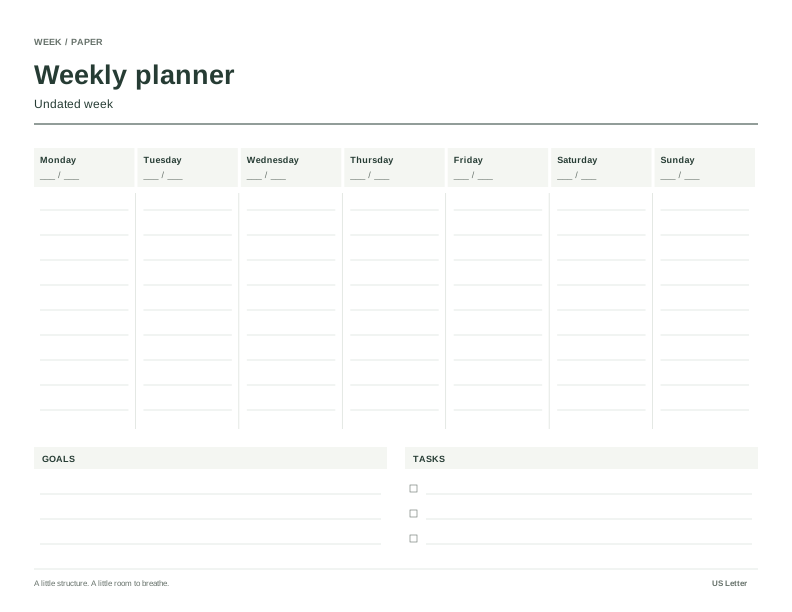
Workweek at a glance
A landscape Letter week for commitments, a weekly outcome and a separate task list.
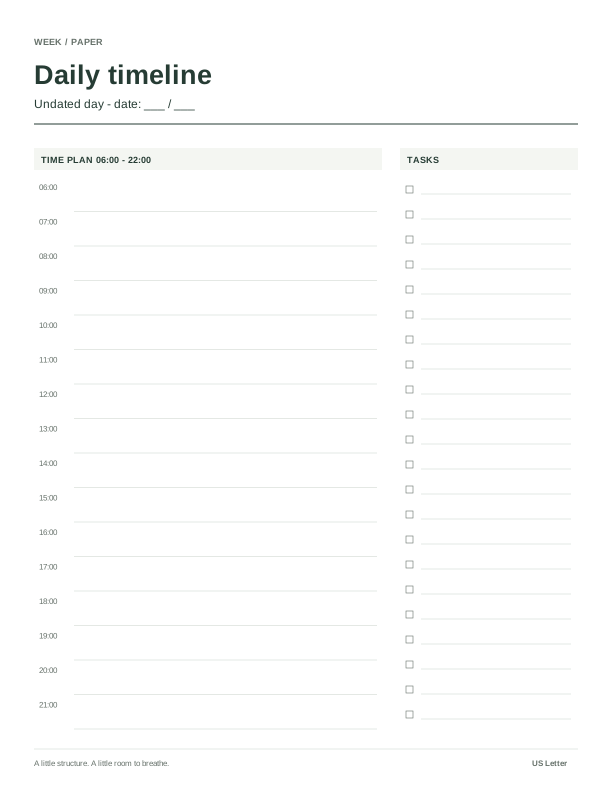
Workday time blocks
An undated Letter timeline with a task list for meetings, focus sessions and buffers.
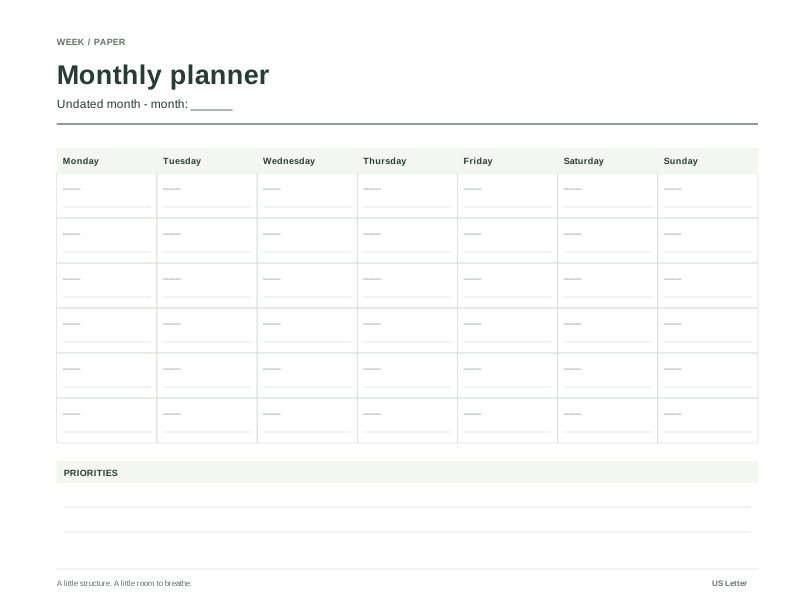
Three-month project view
Three undated Letter month grids with an outcome area and mirrored binding margins.