A personal planner can hold errands, a small project, dates you want to remember or a brief record of what happened. It does not need to resemble a work schedule. Pick the amount of structure that serves the situation.
Choose by what needs a place
- Household month is a Sunday-first A4 portrait grid with tasks. Use it for appointments and events spread across several weeks.
- Home and life week keeps tasks and removes goals from an A4 portrait week. Use it for near-term errands and day-specific commitments.
- A little more room today is a landscape A4 daily focus page with both optional sections off. Use it for a day's notes or a small personal project.
- Open weekly notes gives two Letter portrait weeks without the extra sections and with a wider left margin. Use it for a short running record.
- A year to look back on combines twelve miniature months with a task area on portrait Letter. Use it to mark a few events and choose a follow-up.
Example: visitors coming next month
The month page holds the confirmed arrival and departure dates. The week page holds a grocery trip and a room-preparation task. If one day needs more detail, an open daily sheet can hold the pickup time, a short list and questions to confirm. You do not need to recreate the whole visit on each page.
Keep undecided items visibly tentative. “Ask which train” is a task; “meet the 15:20 train” is a commitment only after confirmation. If the arrival changes, update the place you agreed to treat as the current calendar before copying the new time elsewhere.
Make a small first version
- Choose one template and match its paper size to your printer.
- Keep it undated if use will be irregular. For a calendar month, switch to dated mode to avoid hand-numbering the boxes.
- Write only the commitments and next actions relevant to this page's time span.
- Leave open space for changes. A quiet day does not need a task simply to fill a line.
- After using the sheet, remove sections that felt unnecessary or enable tasks if actions were disappearing into notes.
Leave some things outside the planner
A page is not a reminder service, a shared family calendar or a measure of how well life is going. Keep time-critical reminders in a system you will actually notice. If a sheet is displayed where others can see it, choose its written detail accordingly. The downloaded PDF starts blank; the site cannot update what is already on paper.
For a private retrospective, you can mark only month-level events on the annual view and write the detail separately. The yearly review guide uses observations and small next steps rather than scores.
Adjust the paper to the way you use it
A clipboard may suit portrait pages; a wide desk may suit a landscape focus sheet. A left binding margin is useful for punching but does not alternate on reverse pages. Read the binding guide before making a two-sided set.
Use daily planning for an overloaded day, monthly planning for moving dates, and the workflow guide if several views are useful. Browse all templates when the task changes; the category is a starting point, not a restriction.
Choose a page to make your own
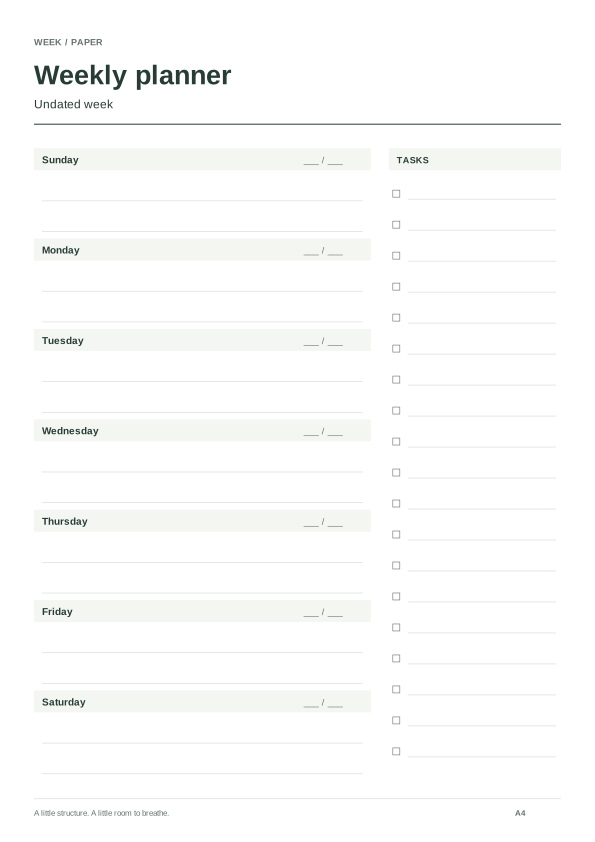
Home and life week
A Sunday-first A4 week with a task list and extra daily room instead of a goal section.
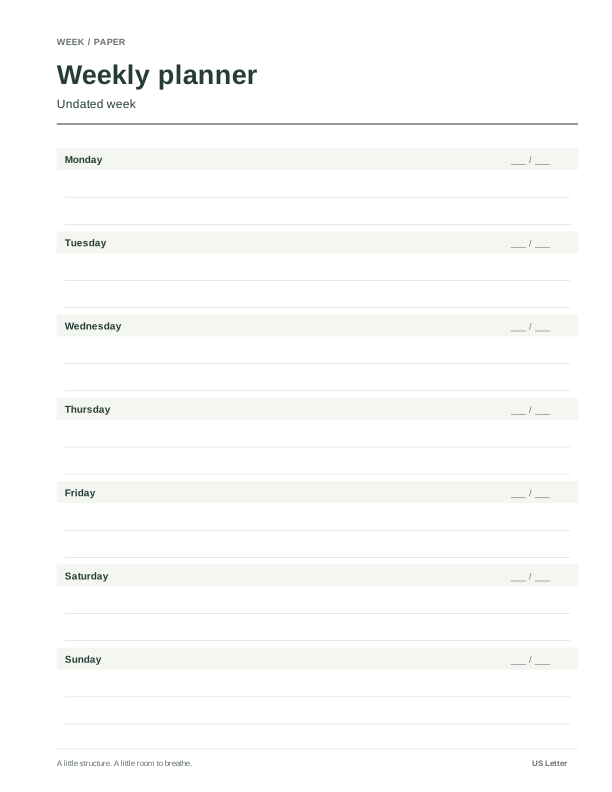
Open weekly notes
Two plain Letter weeks with both extra sections off and a left binding margin.
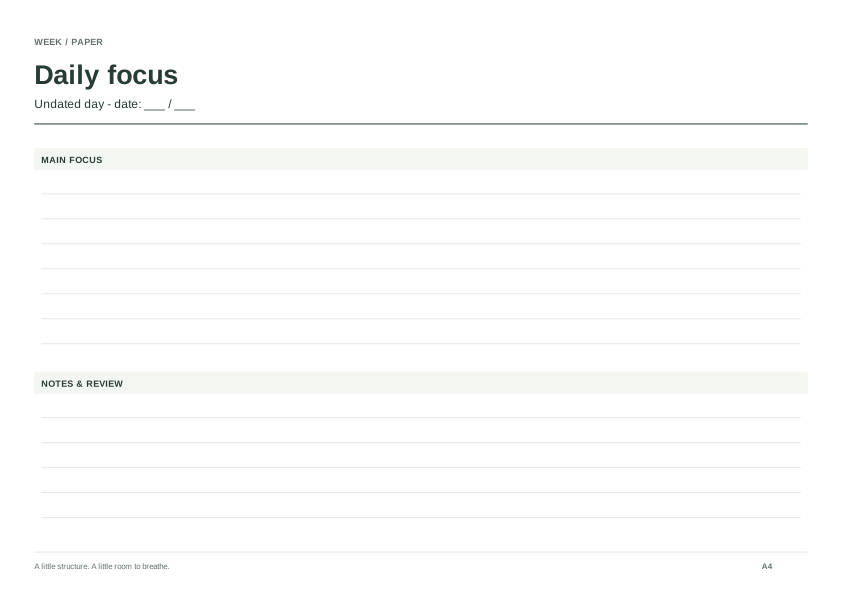
A little more room today
A landscape A4 focus page with open writing areas and both optional sections removed.
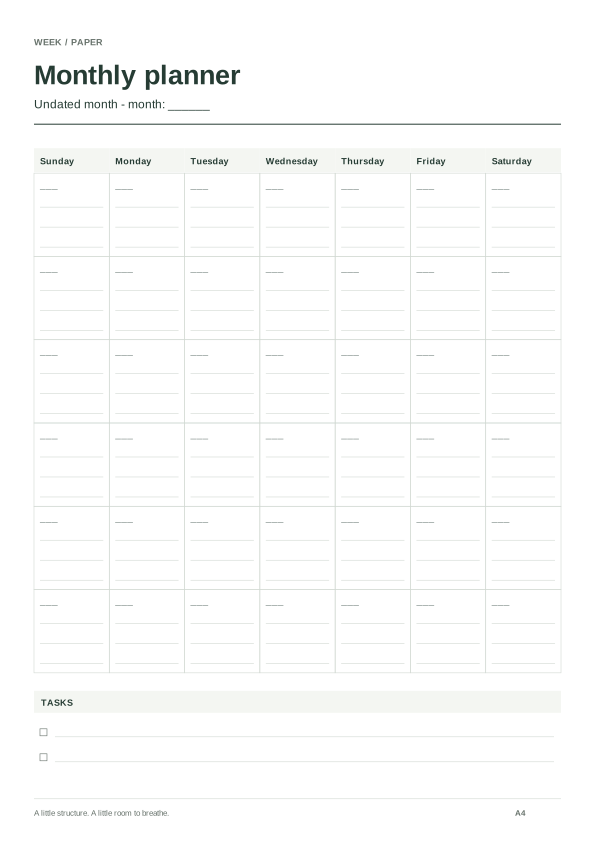
Household month
A Sunday-first portrait A4 month with a task list for household dates and follow-ups.
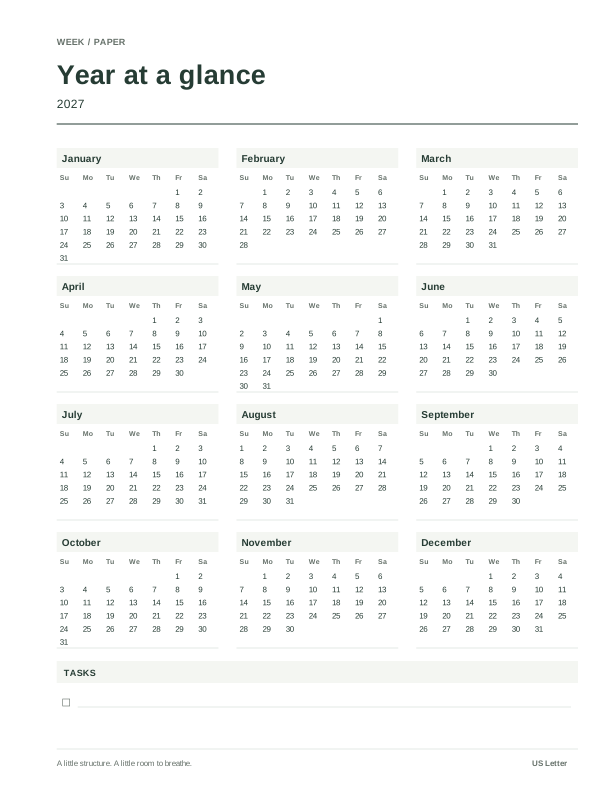
A year to look back on
A portrait Letter annual overview with a task area for review notes and next actions.