Study · Four weeks
Four-week study notebook
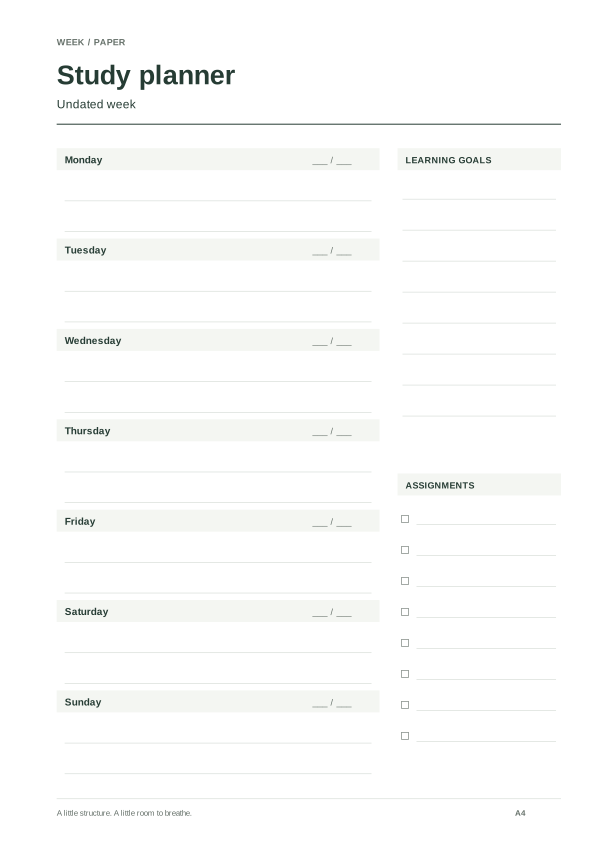
Four undated A4 weeks with learning goals, assignments and alternating binding space.
THOUGHTFULLY MADE. READY FOR PAPER.
Generate complete weekly pages for 1900–2100, custom cross-year runs or undated templates. Preview real page counts, study labels and binding margins.
Date coverage and page count appear here.
Save deliberately. Restore whenever you need.
Only layout settings and the selected dates are included. No writing or personal records. Nothing is sent automatically. Localhost links work only on this device; JSON backups can move between devices.
Version 1, 2 and 3 backups are supported. Import changes this visit; only Save keeps it.
Four undated A4 weeks with learning goals, assignments and alternating binding space.
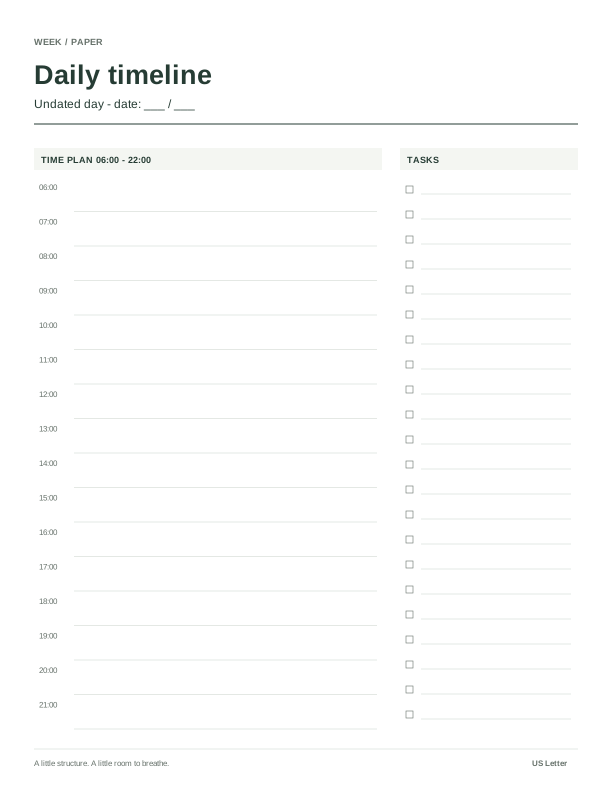
An undated Letter timeline with a task list for meetings, focus sessions and buffers.
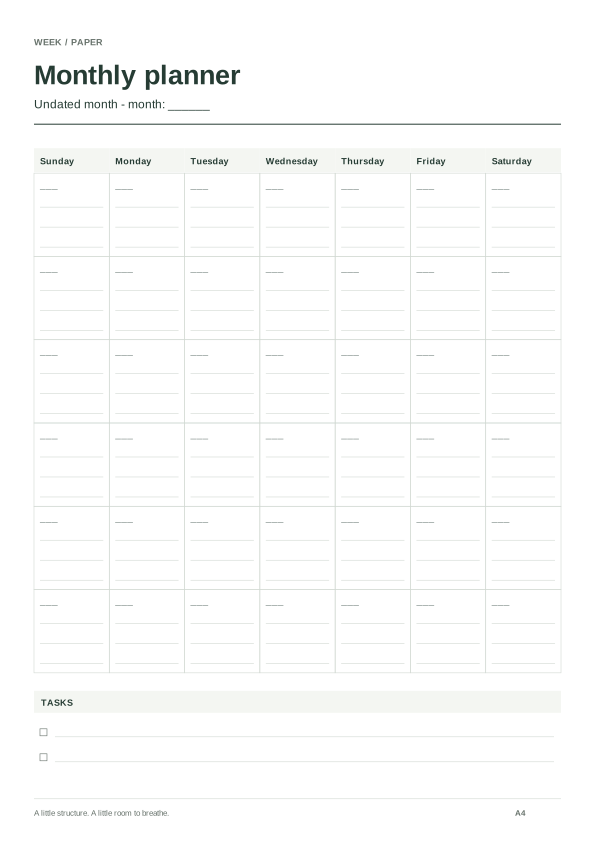
A Sunday-first portrait A4 month with a task list for household dates and follow-ups.
A calendar for the dates. A little room for what matters. Every format is generated from your choices, with paper size and binding kept in view.
Build a planning rhythm ↗Use consecutive weeks when you have a short project or a period that crosses New Year. The start date chooses its containing week, and the count includes 1–54 complete seven-day pages. Use Complete year for a calendar year from 1900 through 2100. Undated mode removes the printed year, range and day dates while retaining weekday names.
The generator finds the week containing January 1 and the week containing December 31, then includes every week between them. Each date in the selected year appears exactly once. Dates from neighboring years remain on boundary pages. Both Monday-start and Sunday-start 2027 need 53 pages; the 2027 guide and tool explain those boundaries.
Most supported years need 53 pages. A leap year beginning on Sunday needs 54 Monday-start pages, as in 2012. A leap year beginning on Saturday needs 54 Sunday-start pages, as in 2000. ISO week numbers answer a different question: their 52 or 53 numbered weeks do not determine how many complete pages touch every calendar date.
1900 and 2100 are common years; 2000 is a leap year. The calendar follows Gregorian rules, including the century exception. Custom starting dates and their last weekly anchor must remain within 1900–2100. A complete boundary week can show dates in 1899 or 2101. An invalid date such as February 29, 2027 disables download and leaves the last valid preview marked as stale.
Choose Study starter for four pages with learning goals and assignments, then adjust the date and counts. Choose a binding margin when punching or binding pages; mirrored pages alternate their wider edge. These changes affect both preview and PDF.
This tool creates writing space, not appointments, regional holidays, hourly slots or fillable fields. You can save and share layout settings; it does not collect your handwritten content. See data controls or the undated alternative.
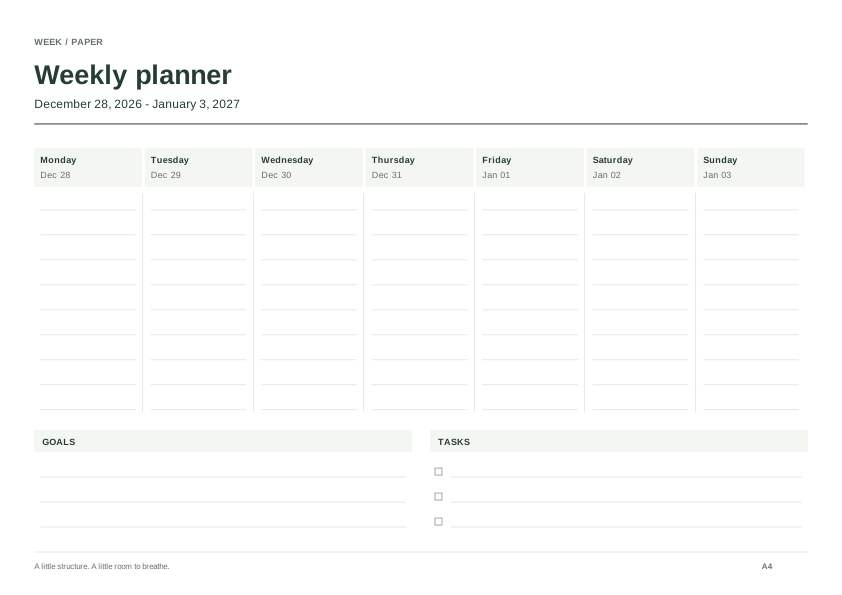
Use the 2027 planner to choose action pages across day, week, month and year. For date grids, open the 2027 printable calendar with twelve months or a one-page overview.
Connect year, month, week and day pages without copying the same plan four times; use only the levels your task needs.
Choose 20 mm binding space, understand mirrored page parity, and test single-page or duplex printing before punching your planner.
Compare the tool preview, downloaded PDF and printed sheet to isolate clipping, orientation, duplex and scale problems.