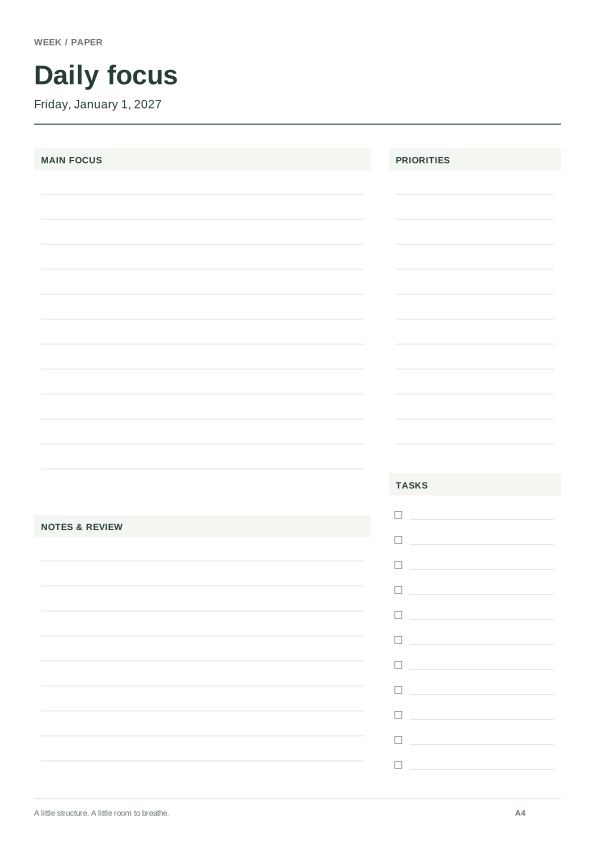
One focus day
January 1, A4 portrait. Goals, tasks and room for notes. Change the date or print up to 31 consecutive days.
Load and customize ↗2027 / PAPER & REAL DATES
Choose daily, weekly, monthly or annual pages. Preview your 2027 dates, then download an A4 or Letter PDF.
Date coverage and page count appear here.
Save deliberately. Restore whenever you need.
Only layout settings and the selected dates are included. No writing or personal records. Nothing is sent automatically. Localhost links work only on this device; JSON backups can move between devices.
Version 1, 2 and 3 backups are supported. Import changes this visit; only Save keeps it.
A date tells you when something happens. A planning page gives you room to decide what to do. Put a report deadline on a month page, its next actions on a week page, and today's priority on a daily page. Each page is independent: changes do not synchronize or move tasks between formats.
The editor above starts with a focus page for January 1, 2027. Switch between day, week, month and year, choose dates and paper, then inspect the real page before downloading its PDF. Each starting point below explicitly loads its displayed 2027 settings. It does not replace saved planners automatically.
January 1, A4 portrait. Goals, tasks and room for notes. Change the date or print up to 31 consecutive days.
Load and customize ↗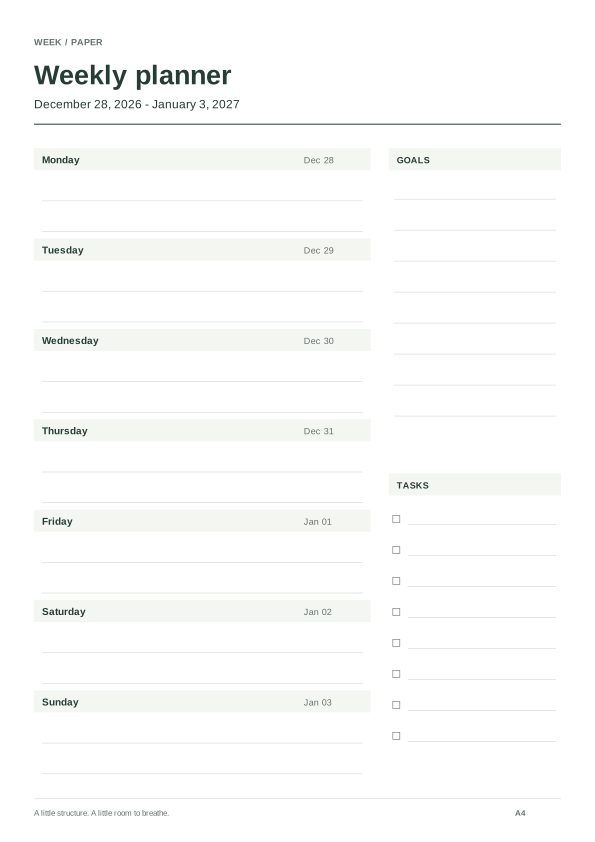
A4 portrait, Monday first. Starts December 28, 2026 to keep the week containing January 1 complete.
Load and customize ↗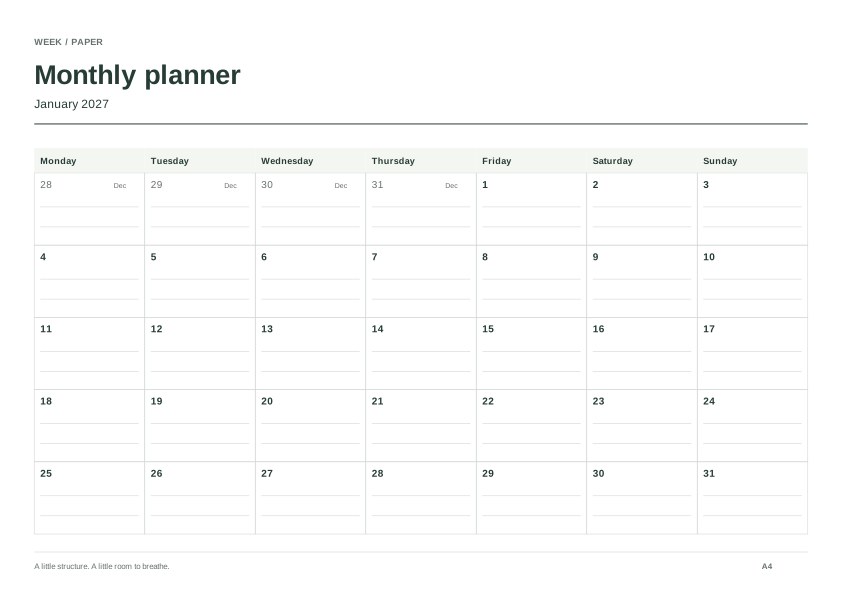
January–December 2027, A4 landscape, Monday first. No side sections, leaving the date grid as the main writing space.
Load and customize ↗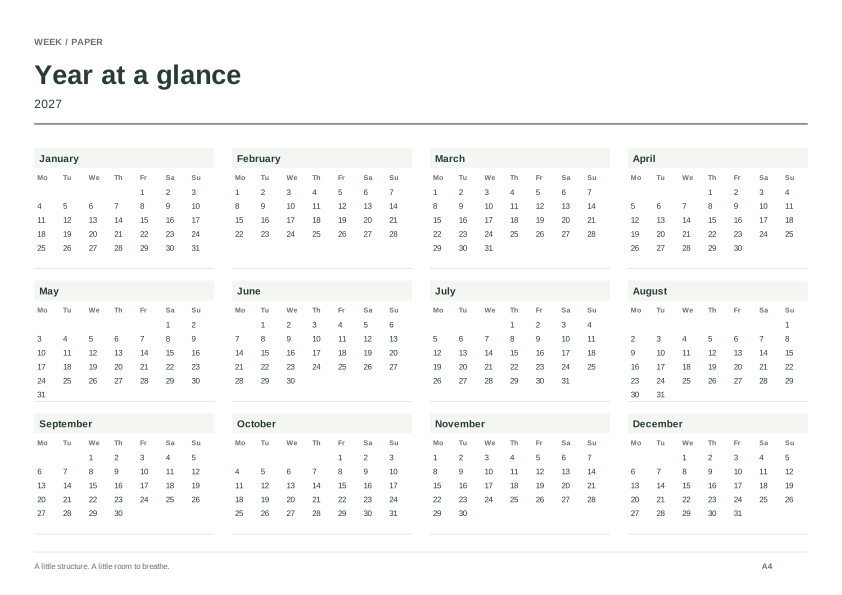
Twelve miniature months on landscape A4. Useful for marking periods and checking dates; detailed notes belong on a larger page.
Load and customize ↗| View | Useful contents | Download range |
|---|---|---|
| Daily | Priorities and notes; choose time blocks for hourly starts | 1–31 consecutive dated pages, or blank copies |
| Weekly | Seven days of commitments, actions, goals and tasks | 1–54 complete weeks, or the full 2027 pack |
| Monthly | Deadlines, appointments and checkpoints | 1–12 consecutive calendar months |
| Yearly | Major periods and a few date marks | Twelve miniature calendars on one page |
The daily format does not generate a 365-page diary in one download. An annual overview has no large writing box for each date. For dates and a complete month set, use the 2027 printable calendar. For seven-day writing areas and the 53-page pack, use the dedicated 2027 weekly planner.
Imagine a report due February 19, 2027. Mark the deadline and any dates still awaiting confirmation on the month page. Use the week page for the research and draft you can reasonably finish that week. On a daily page, name the next action and leave room for revisions. Empty lines are writing space, not a promise of available time. This is a filling example, not a task preloaded into the PDF or evidence of improved productivity.
When a date changes, update the page responsible for it. Other sheets will not update automatically. Follow the multi-period planning workflow or the time-blocking guide for the next step.
January 1, 2027 is Friday. February has 28 days and the year has 365. A Monday-first full-year weekly pack runs December 28, 2026–January 2, 2028; a Sunday-first pack runs December 27, 2026–January 1, 2028. Both contain 53 complete weeks. Daily pages and month grids use their own selected date or complete calendar month, rather than this weekly range.
This page organizes a January–December calendar year. School terms, public holidays and personal appointments are not prefilled. A course spanning two years can use one overview for each year; check actual term dates with the institution.
A4 is 210 × 297 mm; Letter is 8.5 × 11 inches. Landscape swaps the dimensions. Monday or Sunday first changes weekly and monthly ordering; a daily page has no first weekday column. Optional goals, tasks and binding margins change available writing space. Remove an unused section before reducing print scale.
Download the current page first and follow the printing guide to match loaded paper, orientation and scaling. Enlarging the screen preview does not enlarge the PDF. Test with your own printer before committing to a pack.
The PDF contains generated dates and blank writing areas; PNG exports the current page. There is no Word download or fillable PDF form. Explicit saves keep date and layout settings, not handwriting, appointment text or downloaded files. Export a JSON backup before changing domains. My planners belongs to this browser and website address; the privacy and storage notes explain recovery and sharing.
Connect year, month, week and day pages without copying the same plan four times; use only the levels your task needs.
Build a paper timeline around fixed commitments, realistic work windows and buffers, then revise it when an estimate is wrong.
Match paper and orientation, test one page, choose actual size or fit, and check duplex settings before printing a full planner.